Software Wiping
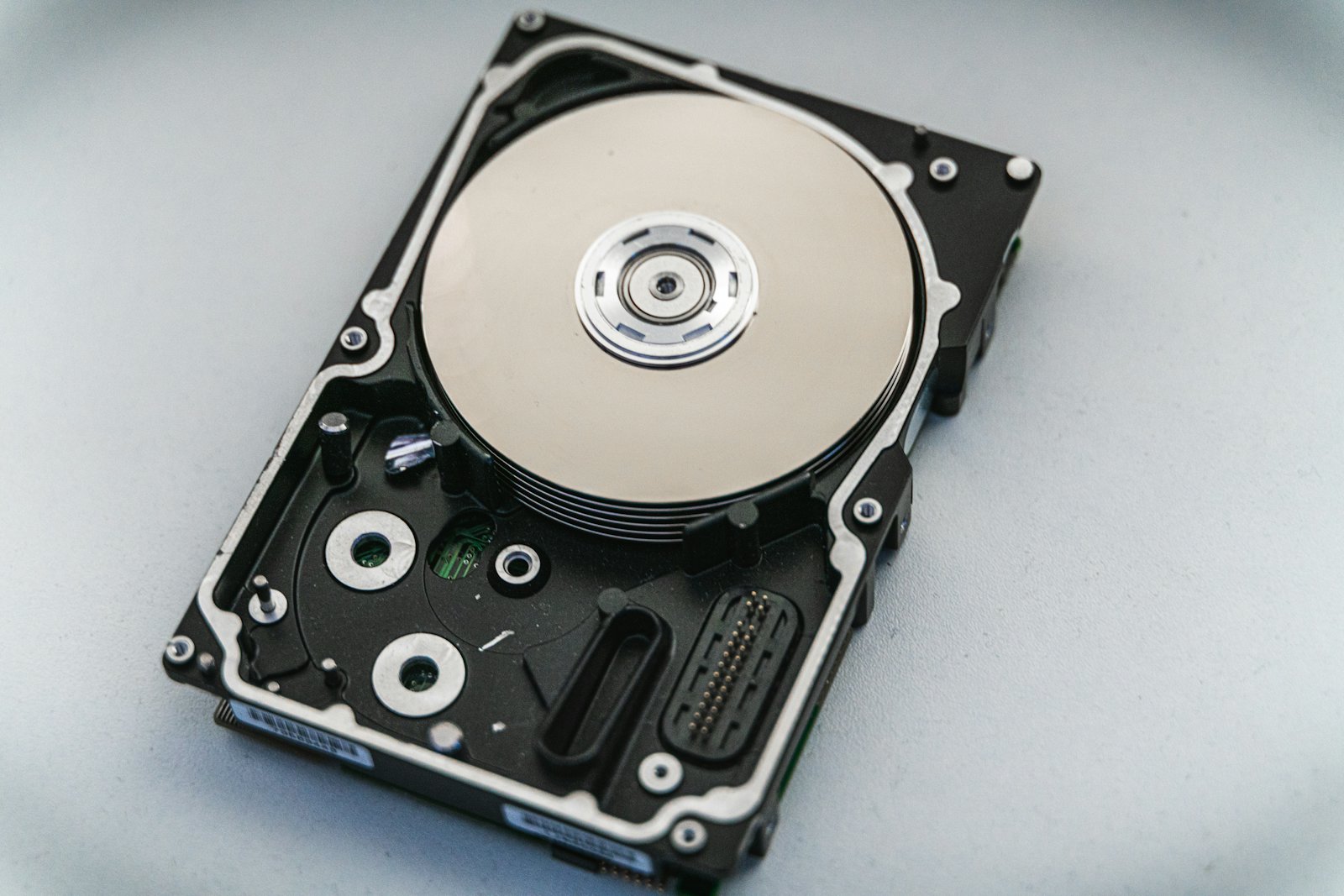
Verified overwrite of hard drives. Keeps devices reusable for resale.

Make sure data on retired drives, laptops, servers, and phones is gone for good — with verified wiping or physical destruction and a certificate for every device.
// rm -rf is not enough
Deleting files or reformatting a drive leaves data recoverable with free tools. Even "factory reset" can miss hidden partitions. Real sanitization overwrites or cryptographically erases every addressable block — then verifies the result.
When a drive can't be verified clean, it gets physically destroyed. No exceptions.
$ wipe --std 800-88 --verify sdb
serial  WD-WCC4N7XXXXXX
size    1.0 TB
pass 1  100% complete
verify  PASS
$ _
// man sanitize
We choose the method based on media type, data sensitivity, and whether you want to recover value from the device.
Verified overwrite of hard drives. Keeps devices reusable for resale.
Firmware-level purge for SSDs and self-encrypting drives.
Strong magnetic field renders magnetic media and tapes unreadable.
Crushing or shredding for failed, damaged, or highly sensitive media.
// who needs this
Documented sanitization helps organizations meet data-disposal obligations under privacy and industry regulations.
// faq --sanitization
Yes. On-site service lets you witness the process, and drives never leave your premises with data on them.
Wiping overwrites data and keeps the device usable, which preserves resale value. Destruction physically ruins the media. We wipe when it's safe and appropriate, and destroy anything that fails verification or that you'd simply rather not reuse.
Yes. Because of how SSDs store data, traditional overwriting isn't reliable. We use firmware-level secure erase or cryptographic erase, or destroy the drive physically.
A certificate listing each device by serial number, the method used, the date, and verification results — ready for your compliance file.
$ ./destroy-data.sh --certified
Schedule on-site or off-site data destruction with full documentation.